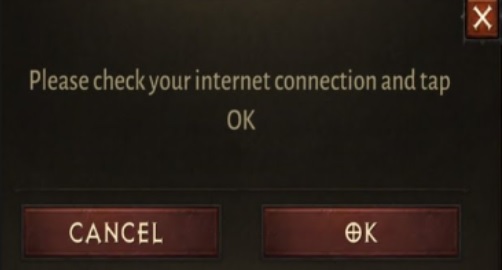
If you are having a problem downloading resources in Diablo Immortal (Android version), especially when you receive the message “Please check your internet connections and tap OK.” Although you are very sure your internet not having any problem at all. The way to do it is just Clear Data and Clear Cache in Diablo Immortal app.
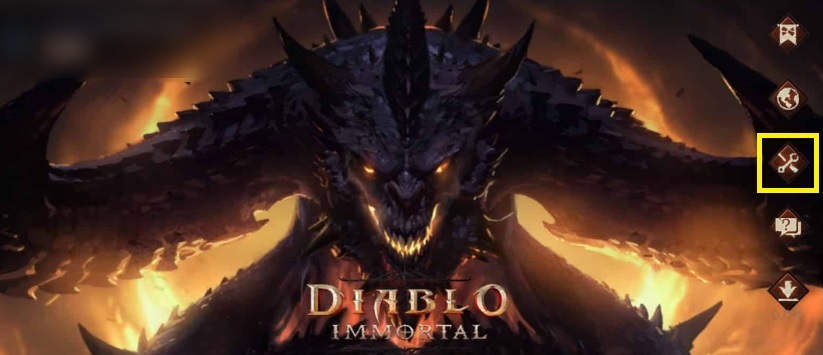
Remember to select the Repair Client button in Diablo Immortal before continuing to the following steps.
The steps are
- From your android phone, open device Settings and select Apps
- Find the Diablo app, and select Storage
- Tap Clear data
- Tab Clear cache
When you start Diablo Immortal, the game will update every resource from the beginning. It took some time for the 12 GB resources to download.
To avoid the same error from happening again, when in Client Update is in progress, let the application update on its own. Don’t randomly select different resources to make it faster to complete.
Hope this workaround can help you.